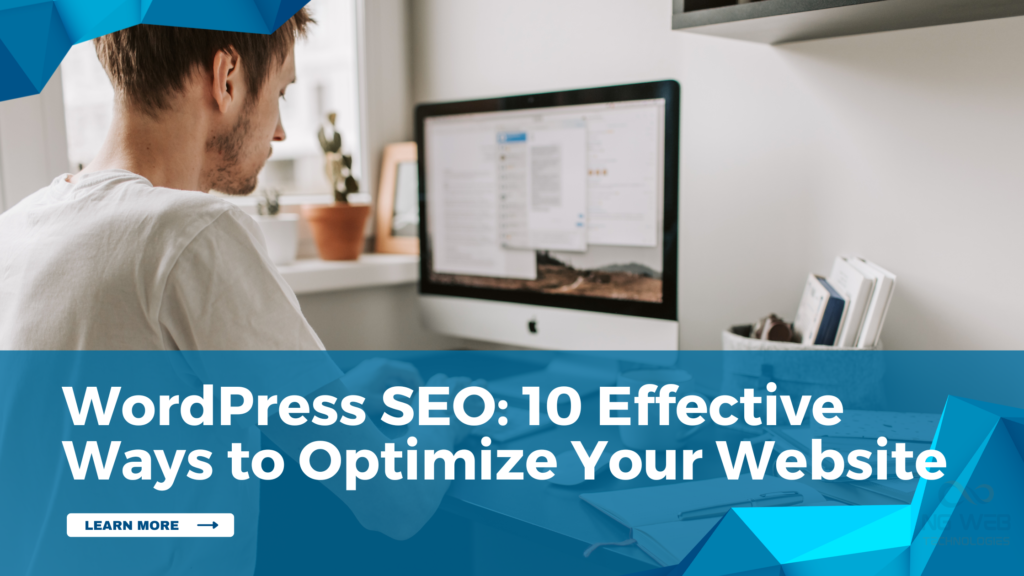
WordPress SEO:10 Effective Ways to Optimize Your Website
WordPress SEO : 10 Effective Ways to Optimize Your Website Search engine optimization has evolved and now focuses more on how users experience a website rather than only on technical elements. The search engines favour the websites which have fast loading ability, are user-friendly and offer straightforward answers to the actual questions. This is the reason why WordPress SEO is important in the long-term growth of the website. When SEO for a WordPress website is done properly, it improves both visibility and user trust. Below are 10 effective ways to optimize a WordPress website, with practical tips and real examples. 1. Choose a Fast and Lightweight WordPress Theme The type of theme you use in WordPress impacts the speed at which your website loads, as well as user experience. Unnecessary elements and heavy themes tend to slow down pages and increase bounce rate. An effective theme must be easy, quick, and simple. It must also be mobile-friendly since the majority of individuals access the sites through their phones. Tips: Select themes that are fast and mobile-friendly. Use themes that have no extra animations. Case Study A professional services brand in New York had a WordPress website that looked visually attractive but loaded slowly. Many visitors left the website before checking the service pages. After switching to a lightweight WordPress theme, page load time improved. The users also spent more time on the website, and overall engagement increased, which has enabled the website to be ranked higher in search results. 2. Use WordPress SEO Plugins Properly Popular WordPress SEO tools such as Yoast SEO for WordPress help users manage titles, meta descriptions, and basic on-page settings without technical effort. They reduce manual work and assist in maintaining uniformity within your website. WordPress SEO Plugins offer easy-to-follow instructions. This simplifies the optimisation process even without technical expertise. Tips: Only one SEO plugin should be used Write easy-to-understand titles and descriptions Case Study A consulting brand in Chicago had several pages showing on Google, but very few users clicked on them. Titles and descriptions were missing or unclear. After using WordPress SEO plugins to improve titles and meta descriptions, search listings became clearer. Clicks increased as users understood the page content better. 3. Improve Website Loading Speed User experience is directly impacted by website speed. Websites that are slow irritate users and raise bounce rates. Simple improvements like image compression and caching can significantly improve loading time. Faster pages keep users engaged longer. Tips: Resize pictures before uploading Enable caching to reduce loading time Case Study A digital services brand in Austin noticed that visitors were leaving the website quickly. Speed tests showed that pages were taking too long to load. After compressing images and enabling caching, page speed improved. Users stayed longer and interacted more with the website. 4. Use Clean and Readable URLs URLs should make it clearer what a page is about. Clean and readable URLs make it easier for users to trust your website and understand page content. They also help search engines recognise page topics. Avoid long URLs with unnecessary characters. Tips: Keep URLs short and descriptive Avoid numbers and symbols where possible Case Study A content-focused brand in Boston was using long URLs with numbers and symbols. Users found the links confusing and hard to trust. After updating URLs to simple and readable formats, pages became easier to understand. Users clicked links more confidently over time. 5. Write Helpful and Clear Content The basis of WordPress SEO is content. Search engines give priority to content that gives a clear answer to user questions. The content that is helpful keeps visitors active and creates trust in the long run. Tips: Focus on solving real user problems Update older content regularly Case Study A technology blog in San Jose was publishing short articles that did not fully answer user questions. Readers often leave after scanning the first few lines. After improving content depth and clarity, users spent more time reading posts. Rankings became more stable as the content better matched user expectations. 6. Use Headings to Organise Content Headings help users scan content easily. They make long pages easier to read. Headings also help search engines understand page structure. Well-structured content improves engagement. Tips: Use one main heading per page Break content into clear sections Case Study A marketing brand in San Diego had long pages with no clear headings. Visitors found it difficult to scan the content. Once the appropriate headings and sections were added, the pages became easier to read. The users discovered information more quickly and remained longer on the website. 7. Optimise Images Correctly Images enhance visual appeal, but can slow down websites when not optimised. Large image files influence the speed of loading, particularly in mobile devices. Image optimisation enhances speed and accessibility. Also, alt text helps the search engines in recognising the pictures. Tips: Before uploading, reduce the size of the image. Insert descriptive alt text on all images. Case Study A lifestyle brand in Los Angeles used large images without optimisation. This made pages slow to load, particularly on mobile devices. The addition of alt text and the resizing of images made the website faster. The user experience was enhanced on all devices. 8. Use Internal Linking Wisely Internal links are used to connect the related pages and assist users in navigating your website. They also help search engines crawl and understand website structure. Effective internal linking enhances navigation and interaction. It supports better overall performance. Tips: Link only to relevant pages Avoid placing too many links on one page Case Study A service-based brand in Dallas had useful content spread across many pages, but there were very few internal links. Users often leave after viewing a single page. After adding internal links between related pages, visitors explored more content. The website structure also became easier for search engines to follow. 9. Make Your Website Mobile-Friendly Most of the users view the web pages through their mobile phones. A mobile-friendly website
WordPress SEO:10 Effective Ways to Optimize Your Website Read More »
Blog, SEO